
How to Check Online If You Are Still Eligible for BISP After CNIC Expiry?
If your Computerized National Identity Card (CNIC) has expired, you may be wondering whether you are still eligible for payments under the Benazir Income Support Program (BISP). Many beneficiaries face payment delays or temporary suspension after their CNIC expires because BISP verification is directly linked with NADRA records.
The good news is that an expired CNIC does not permanently remove you from the program. In most cases, your eligibility can be restored after renewing your CNIC and completing the required verification process. Recent 2026 updates have also made it easier for beneficiaries to check their eligibility status online through the 8171 portal and SMS service.
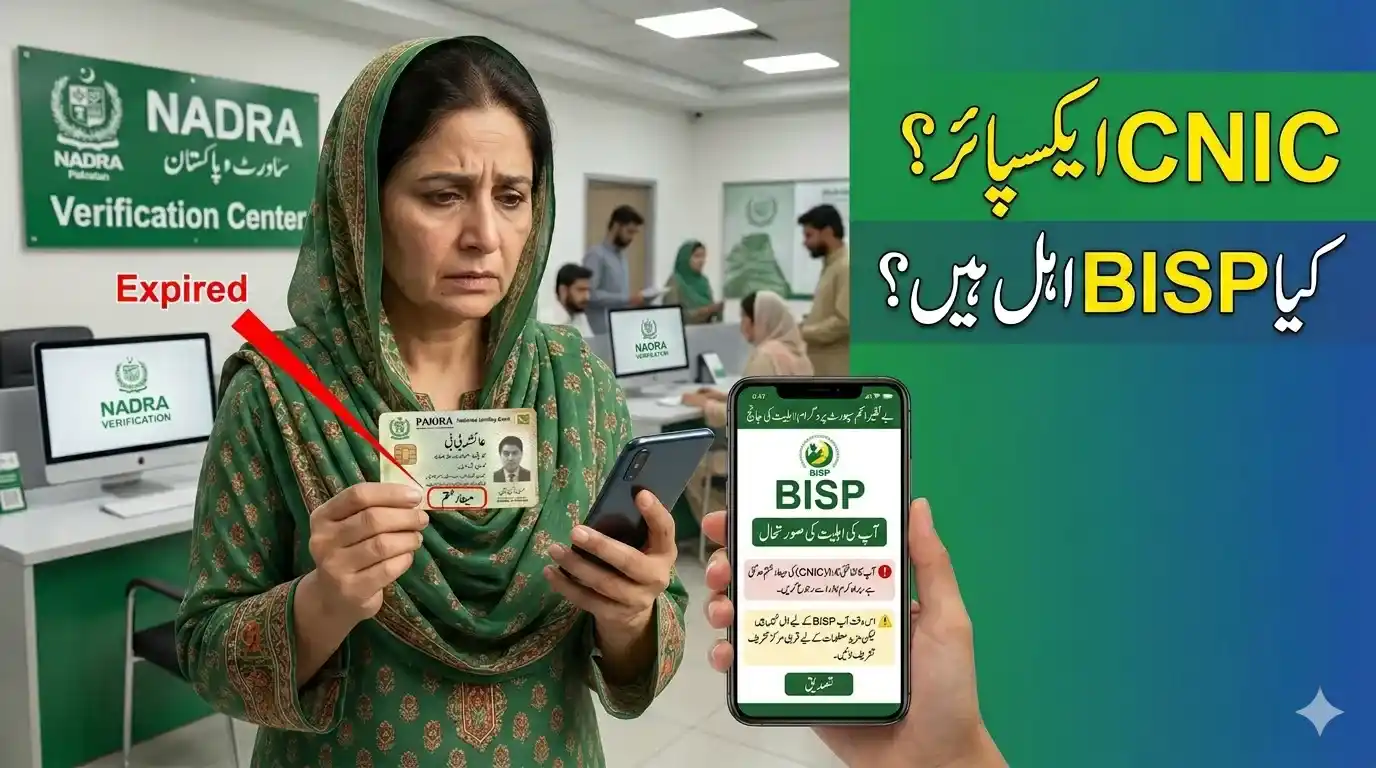
Why Does BISP Stop Payments After CNIC Expiry?
BISP requires every beneficiary to have a valid CNIC. When a CNIC expires, the system may temporarily suspend payments to prevent fraud and ensure that assistance reaches the correct recipient. Once your CNIC is renewed through NADRA, your information can be verified again and your payments may be restored.
Common reasons for payment suspension include:
- Expired CNICIncomplete verification records
- Pending NSER survey updates
- Biometric verification issues
- Changes in household information
Latest 2026 Update for BISP Beneficiaries
In 2026, BISP upgraded its digital verification system and improved the 8171 web portal. Beneficiaries can now use the portal to:
- Check eligibility status online
- Track payment installments
- Review verification status
- Check NSER survey information
- Submit complaints and correction requests
The upgraded system is intended to improve transparency and reduce unnecessary visits to BISP offices.
How to Check If You Are Still Eligible After CNIC Expiry
Method 1: Check Through the 8171 Web Portal
Follow these steps:
- Visit the official 8171 portal.
- Enter your 13-digit CNIC number.
- Complete the captcha verification.
- Click the submit button.
- View your eligibility and payment status.
The portal may show one of the following results:
| Status | Meaning |
|---|---|
| Eligible | You remain qualified for BISP payments |
| Under Verification | Your information is being reviewed |
| Payment Ready | Payment has been released |
| Ineligible | You currently do not meet eligibility requirements |
Method 2: Check Through SMS
If you do not have internet access:
- Open the SMS application on your mobile phone.
- Enter your 13-digit CNIC number.
- Send it to 8171.
- Wait for the response message.
The SMS service remains one of the easiest ways to verify eligibility throughout Pakistan.
What If Your CNIC Is Renewed But Eligibility Is Still Not Restored?
Many beneficiaries renew their CNIC and expect immediate restoration of payments. However, NADRA and BISP databases may require some time to synchronize.
If your status still shows “Under Verification” after renewal:
- Wait several days for database updates.
- Check your status again through 8171.
- Visit the nearest BISP Tehsil Office if the issue continues.
- Carry your original renewed CNIC and supporting documents.
Most beneficiaries do not need to submit a new BISP application after CNIC renewal.
Check Your NSER Survey Status
A major 2026 update involves NSER (National Socio-Economic Registry) verification.
Even after renewing your CNIC, you may be asked to update your NSER information if:
- Your household income has changed.
- Family members have been added or removed.
- Your previous record is outdated.
- BISP requests a Dynamic Survey update.
Households with outdated NSER records may experience payment delays until their information is updated.
Biometric Verification Problems After CNIC Renewal
Some beneficiaries successfully renew their CNIC but still face problems collecting payments due to biometric mismatches.
If fingerprint verification fails:
- Visit a NADRA center for biometric updates.
- Retry verification at the payment center.
- Contact your nearest BISP office for assistance.
Biometric verification has become increasingly important as BISP strengthens fraud prevention measures.
Who Should Recheck Their Eligibility in 2026?
You should verify your BISP status again if:
- Your CNIC recently expired and was renewed.
- You completed a Dynamic Survey.
- Your status previously showed “Pending” or “Under Verification.”
- You missed a recent payment cycle.
- Your household information changed.
- You updated NADRA records recently.
Regular status checks help prevent payment interruptions and allow issues to be resolved before the next installment is released.
How Long Does BISP Take to Update After CNIC Renewal?
There is no fixed timeline, but most records are updated after NADRA information is synchronized with BISP databases. Processing times can vary depending on verification requirements and survey updates. If your status does not change after a reasonable period, visit the nearest BISP office for assistance.
Important Tips to Avoid Future Payment Problems
- Renew your CNIC before its expiry date.
- Keep your mobile number updated.
- Complete any requested Dynamic Survey.
- Ensure biometric information is accurate.
- Check your eligibility regularly through 8171.
- Update household information whenever major changes occur.
These steps can reduce the chances of payment suspension and verification delays.
FAQ’s


